Order now and receive between Jan 24 - Jan 30

Skip to product information
1 of 7

The UltraCine 360 - Portable Home Theater

The UltraCine 360 - Portable Home Theater

Regular price $89.49
Regular price $178.98 Sale price $89.49
Sale Sold out

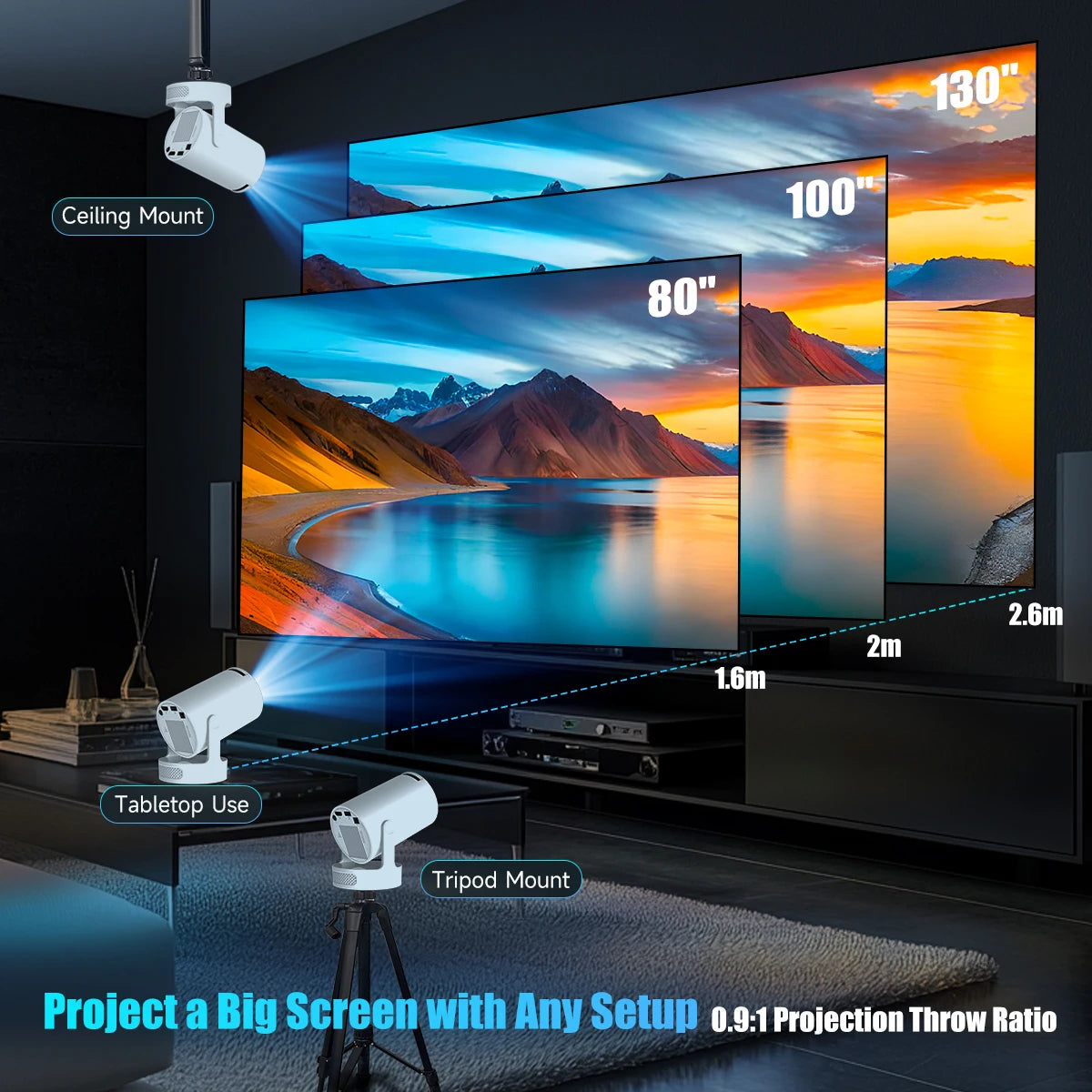
Turn your bedroom into the ultimate sanctuary. Whether it’s a 3AM movie binge, gaming in bed, or projecting a "fake window" for that cozy aesthetic, the UltraCine does it all. It rotates 180° so you can project directly onto your ceiling without needing a tripod or stacking books. Just plug, point, and play.

Ceiling Mode: The only projector designed to let you lay flat and watch comfortably.

Phone Free: Built-in Android OS means you stream Netflix, YouTube, and Disney+ directly - no laptop needed.

Auto-Fix: Accidental bump? The Auto-Keystone correction fixes the screen shape instantly.

Silent & Cool: Massive 130" screen size with zero overheating or loud fan noise.

Color
Plug Type
View full details
  • 180° Rotating Stand

    Forget tripods and stacks of books. Aim the UltraCine anywhere - from the wall to the ceiling, with a simple one-hand twist.

  • Built-in Smart Apps

    No Firestick or laptop needed. Stream Netflix, YouTube, and more directly from the projector’s onboard Android system.

  • Instant Screen Mirroring

    Wirelessly cast your iPhone or Android screen in seconds using AirPlay or Miracast. No messy cables required.

1 of 3

Most Asked Questions

Can I connect my iPhone or Android phone wirelessly?

Yes! The UltraCine 360 supports wireless screen mirroring for both devices.

  • For iPhones: Open the "AirPin" app on the projector, ensure both devices are on the same Wi-Fi, and select screen mirroring on your iPhone.
  • For Android: Open the "Miracast" app on the projector and enable "Wireless Projection" or screen mirroring on your phone settings.

Does this projector have built-in apps like YouTube?

Yes. This is a Smart Projector with an Android operating system. You can access installed programs by clicking on "My Apps" from the home screen. The manual specifically shows icons for popular apps like YouTube, the App Store, and Chrome

How do I get the picture to be clear?

If the image is blurry, do not disassemble the device. Instead, locate the Focus Wheel near the lens on the front of the projector and rotate it gently until the image is sharp. If the shape of the screen looks uneven, you can adjust the "Keystone Correction" in the Projection Settings.

Can I connect a Bluetooth speaker?

Yes. You can pair external Bluetooth devices such as speakers or headphones for better sound. Go to Settings > BT Setting, switch BT to "ON," and click "Refresh Device" to find and pair your speaker

Is it safe to leave the projector on all the time?

We recommend turning it off when not in use for long periods. Also, ensure the vents are never covered, as overheating can reduce the projector's life or cause danger. Note: Never look directly into the lens while it is on, as the strong light can hurt your eyes